UX option 2
Scroll-Driven Website Walkthrough
This is a real scroll presentation: sticky progress, animated preview cards, and image crops of the website work instead of iframes.
Step 01
Start with the landing page image.
A visitor should understand the business, trust it, and see the next step before scrolling forever.
Open full sample site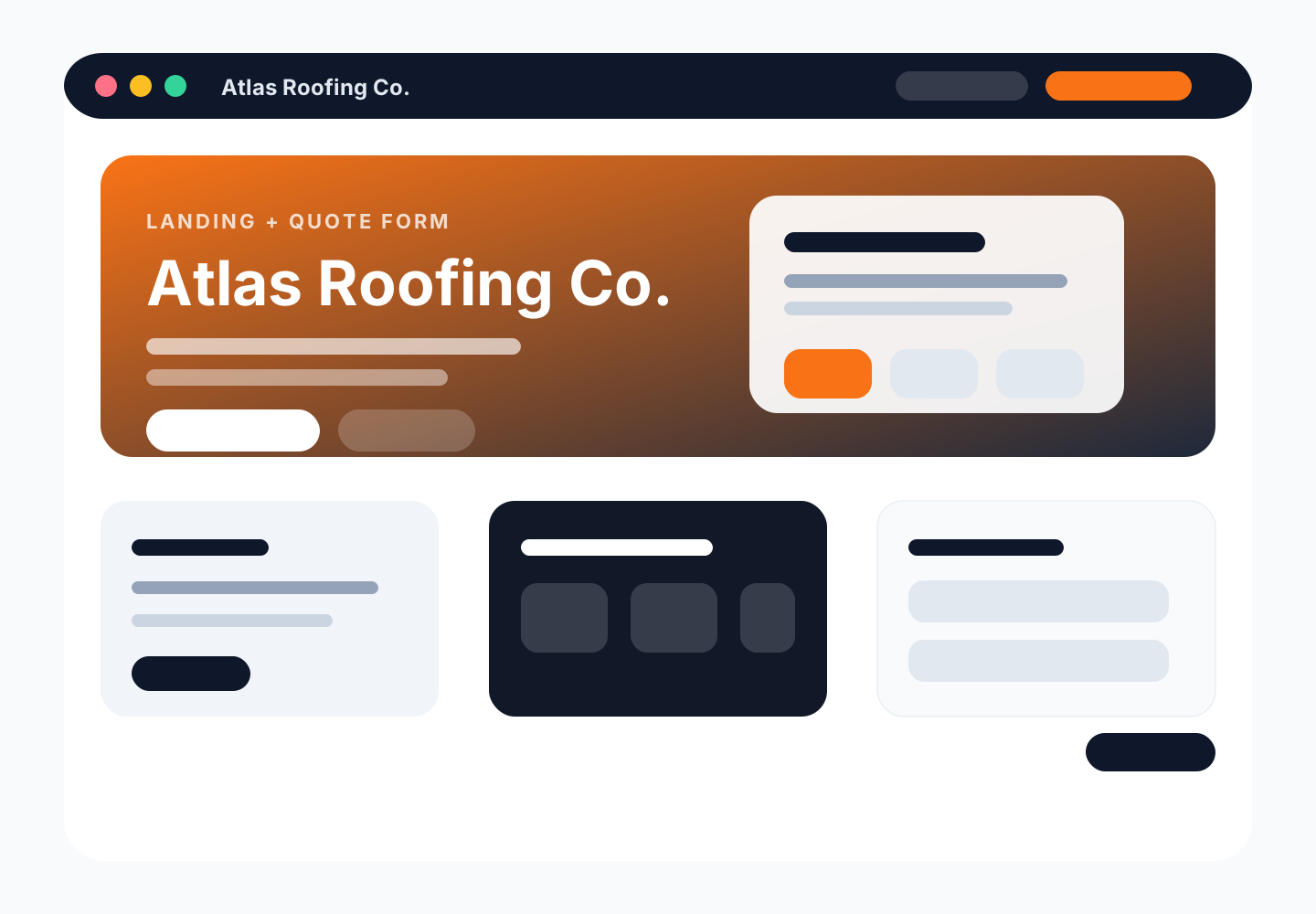
Step 02
Then show the action path.
For booking businesses, the preview should make the appointment path obvious — not hide it in a tiny embedded site.
Open full sample site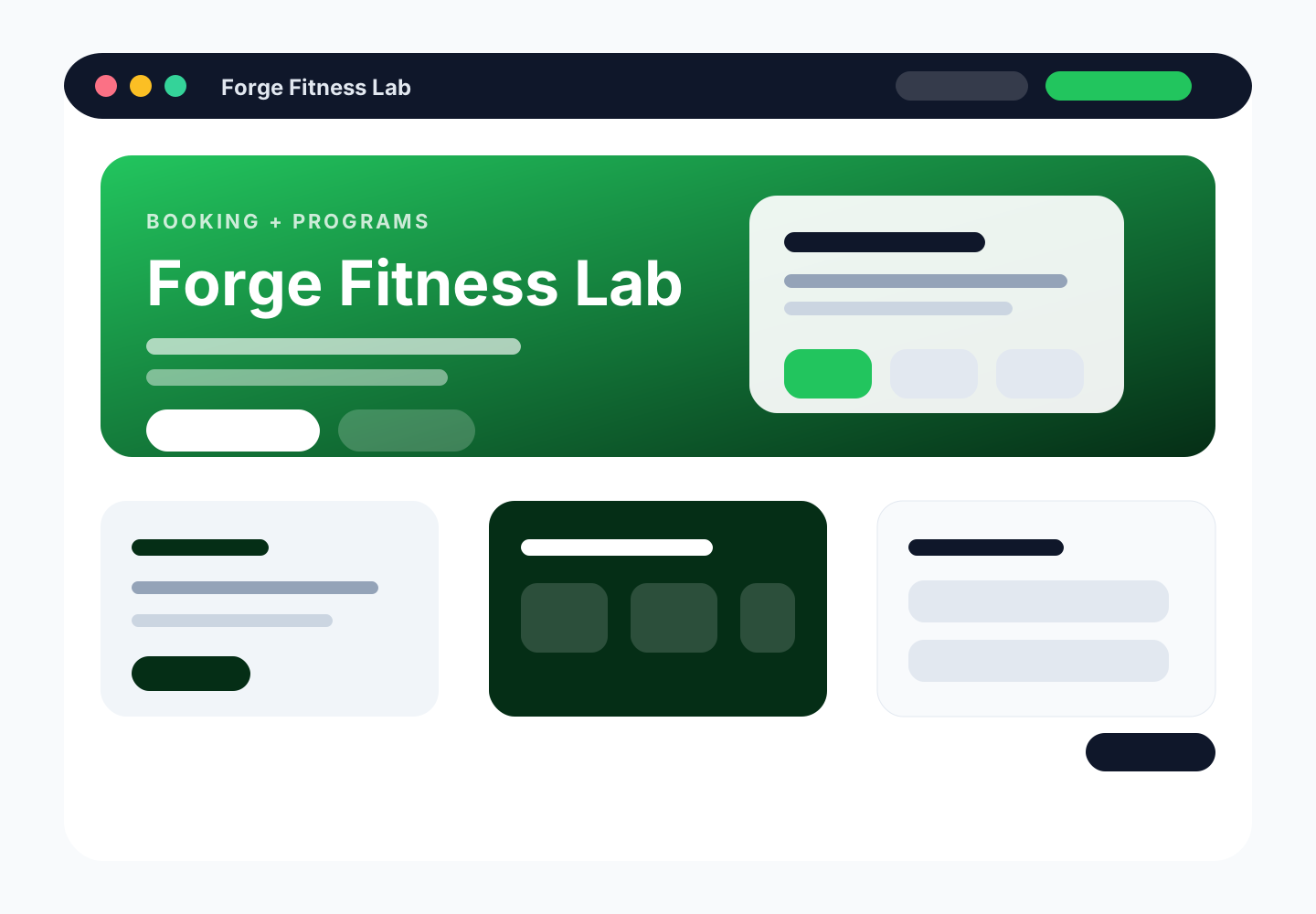
Step 03
Use crops for proof and mood.
A floral/event business needs warmth, gallery moments, and a clear inquiry path. Those can be shown as screenshot crops.
Open full sample site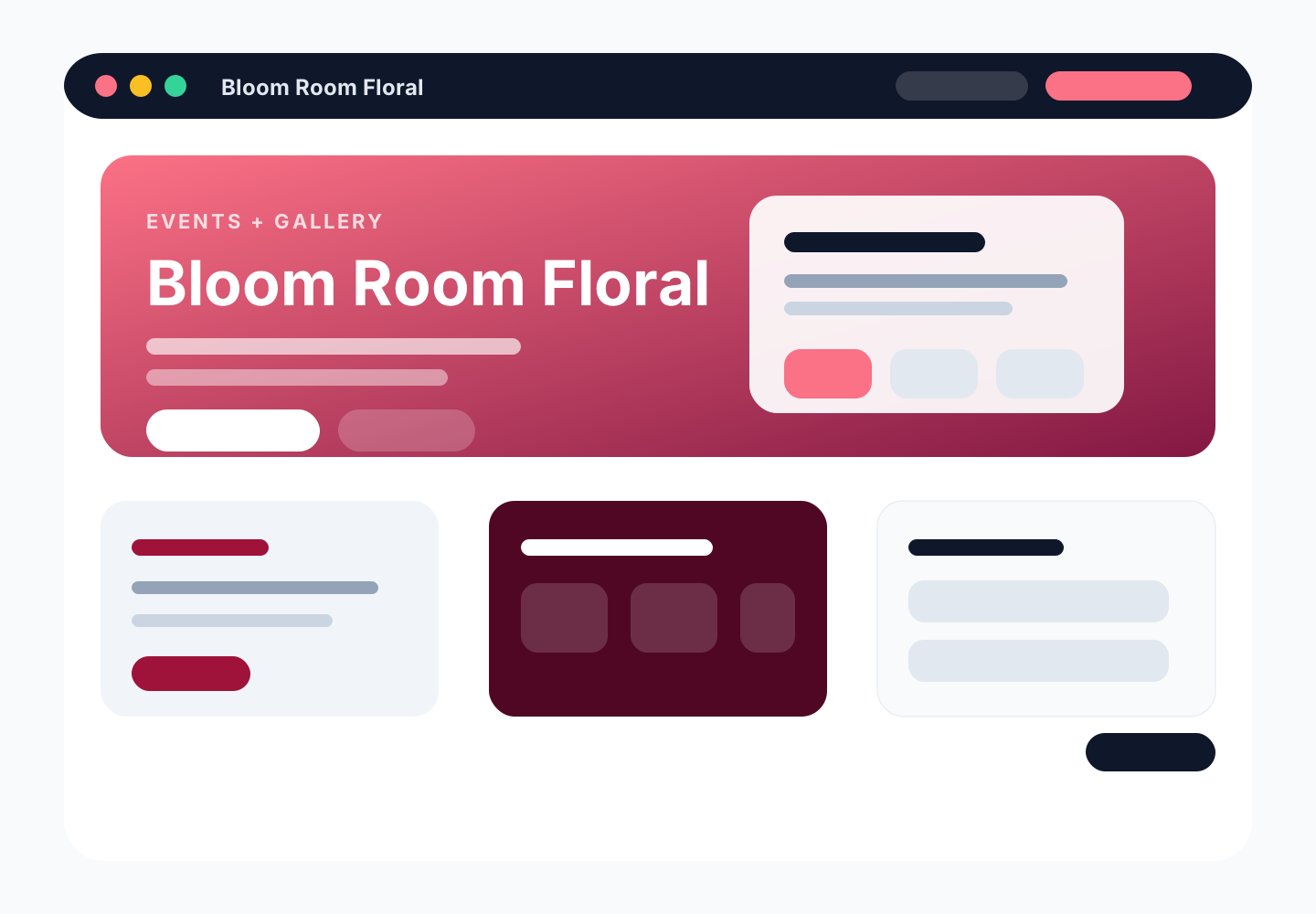
Step 04
Show specific sections, not a whole iframe.
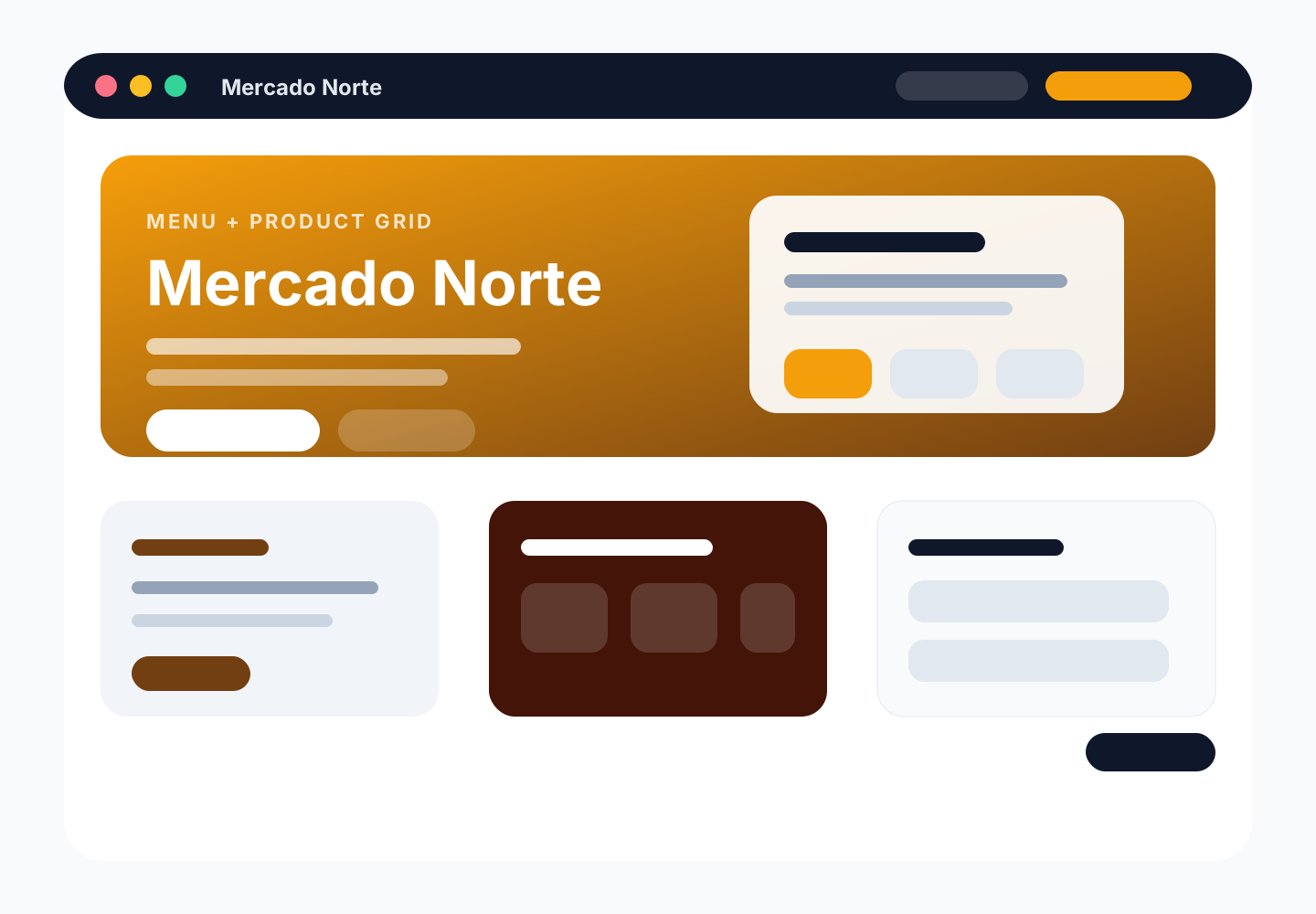
For menu/catalog work, the important proof is the product grid, menu structure, and ordering path.
Open full sample site